 Satoa
Satoa
Know what's in your food.
Scan a barcode, a dish or a label. Satoa scores it out of 100 and shows why.
Barcode, dish or label.
Point the camera to see the score. One tap adds it to your meal.
- Products from Open Food Facts
- Dishes and labels read on your iPhone
- Offline scans looked up later
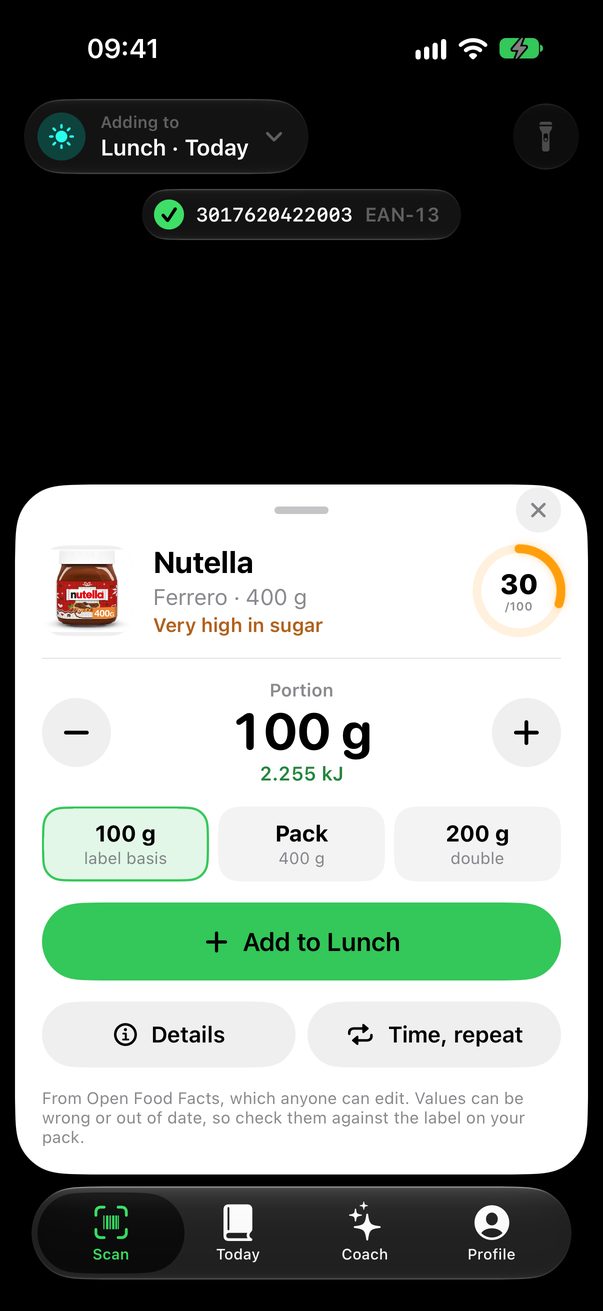
A score you can check.
From 0 to 100, with every point explained.
- Built on Nutri-Score
- About 190 additives, each with its source
- Better options from the same category
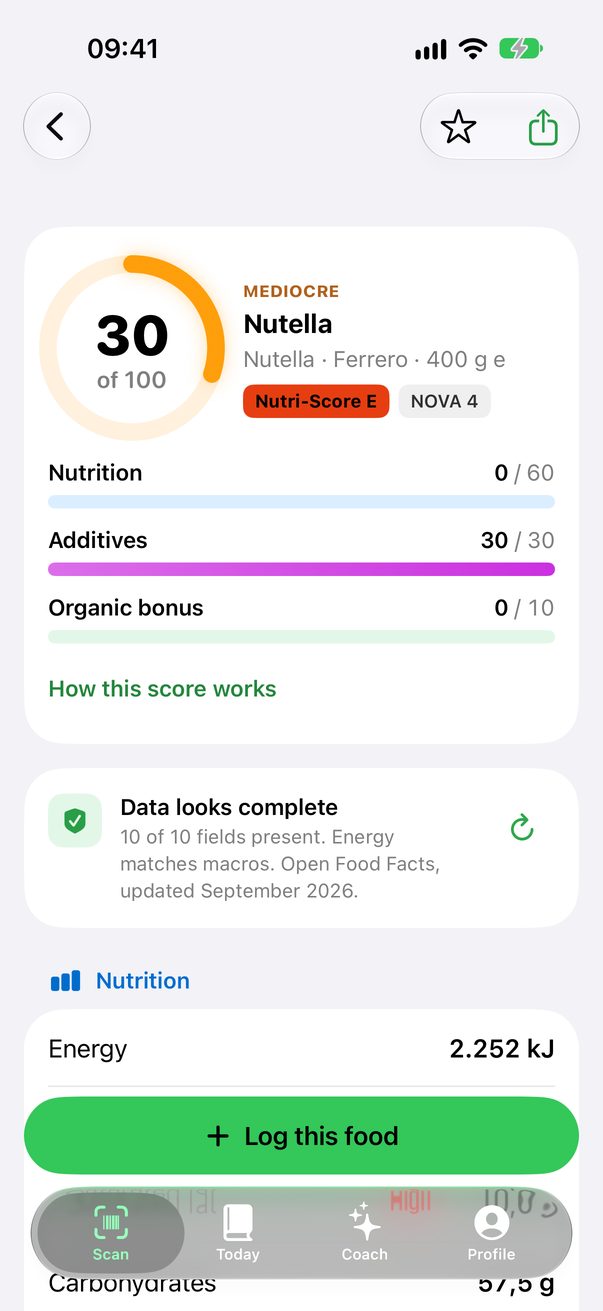
The whole method, on one card.
The same rules for every product, based on public assessments from EFSA, IARC, JECFA and ANSES.
Your day at a glance.
Energy left, macros, daily limits and water, meal by meal.
- Add to any meal in a tap
- A glass of water in one tap
- Reminders only when something is missing
- Widgets and Apple Health

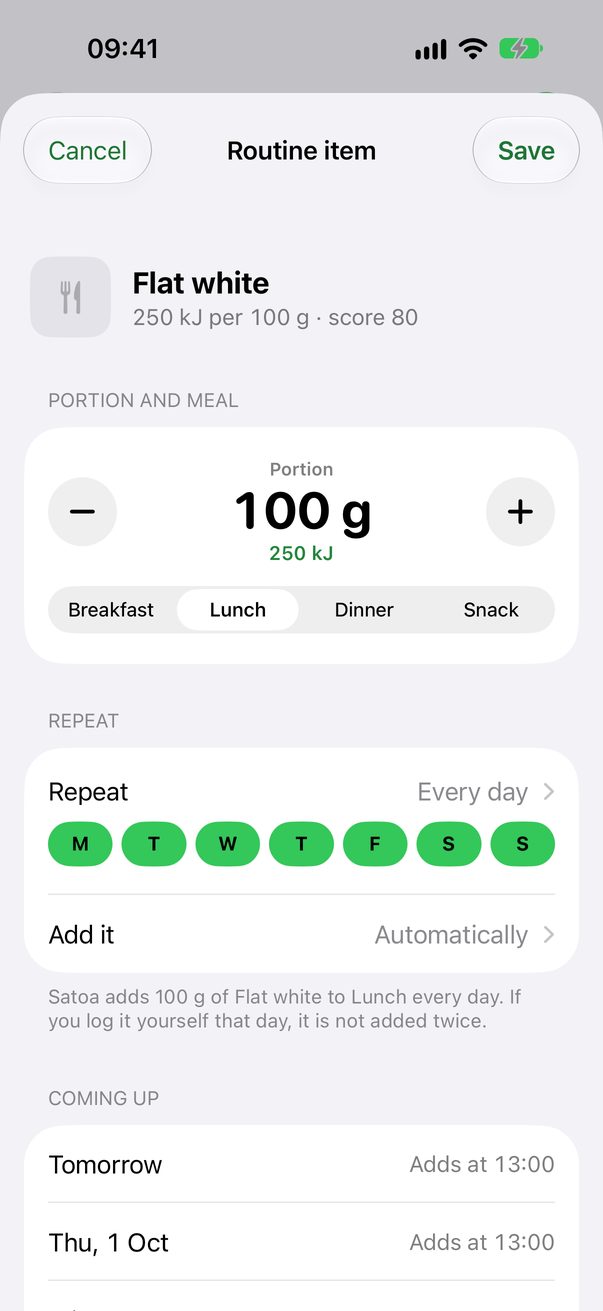
Foods that repeat.
Set your morning coffee once. Satoa adds it on its days.
- Every day, weekdays or days you pick
- Added for you, or when you tap Add
- Skip a day any time
Move through your days.
Swipe between days and weeks, or see the whole month at once.

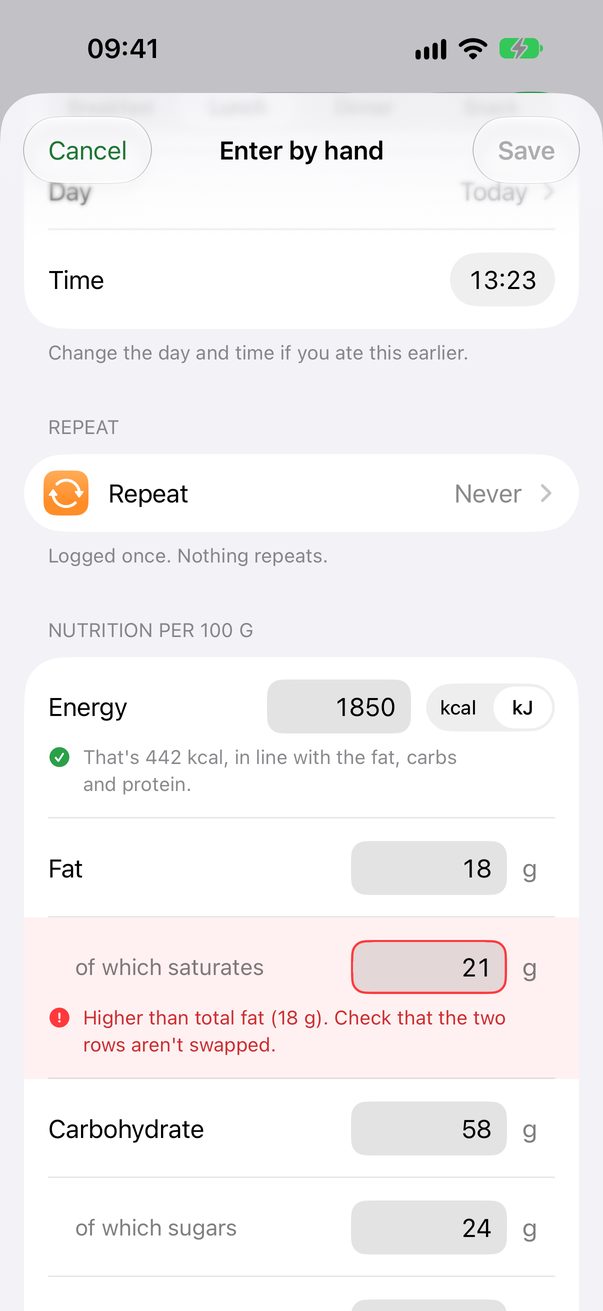
Numbers that add up.
Label values are checked as you type, so a typo is caught before it's saved.
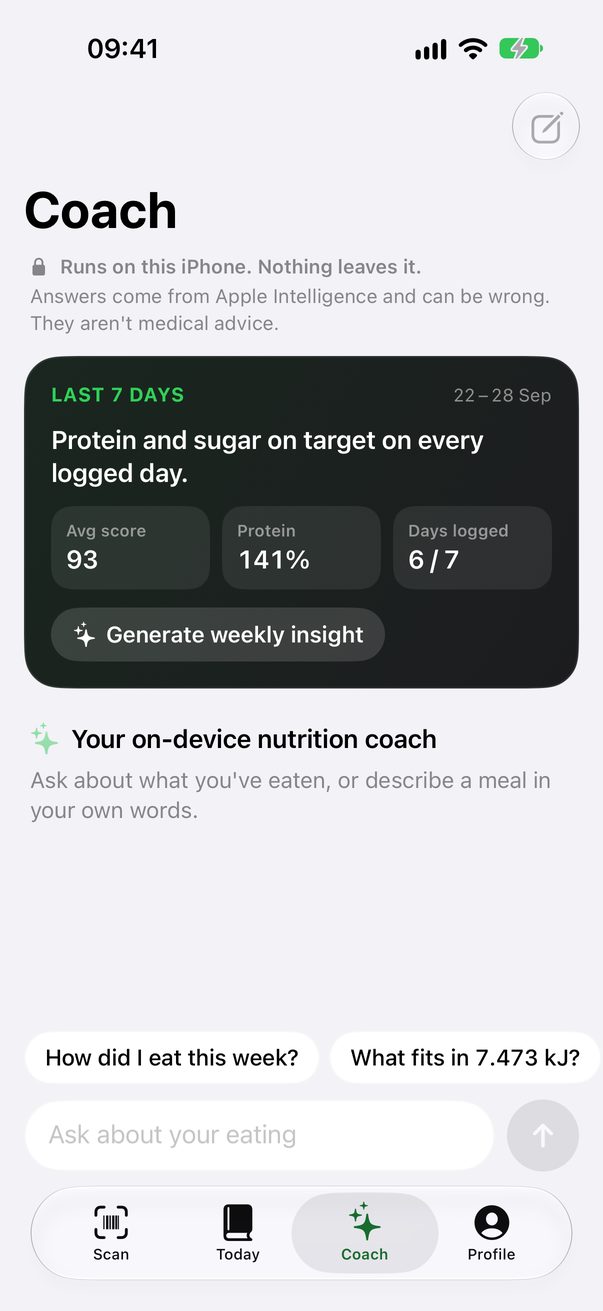
A coach on your iPhone.
Ask about your week or log a meal in a sentence. It runs on Apple Intelligence, and nothing leaves your iPhone.
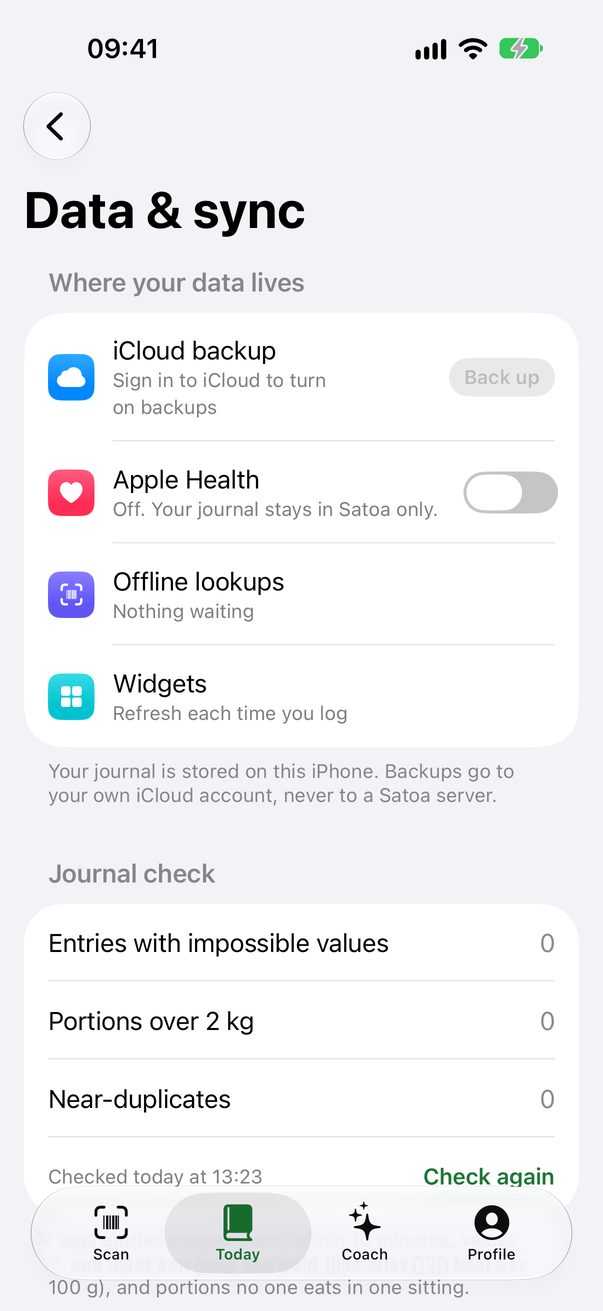
Your data stays yours.
No account and no Satoa servers.
On your iPhone
Your journal stays on the device.
Your own iCloud
Backups go to your iCloud, not to us.
Apple Health
Syncs only when you turn it on.
Questions
What does it cost?
Nothing. No account, no subscription and no ads.
How accurate are the numbers?
They can be wrong, so check them. Product data comes from Open Food Facts, which volunteers edit. Text recognition can misread a digit, and a photo estimate is a typical value for the dish, not your plate. Even package labels are allowed some error: EU guidance allows ±20 % for most nutrients, and US rules let calories and sugars run up to 20 % above the label. Check values against the package label, and talk to a doctor or dietitian before changing your diet. Satoa is not a medical device.
Who decides an additive is high risk?
Satoa does, by reading public assessments from EFSA, IARC, JECFA and ANSES. The level is Satoa's judgment, not an official rating. Each additive in the app names the assessment behind it, so you can read the source yourself.
Where do the daily targets come from?
Energy uses the Mifflin–St Jeor equation with your age, height, weight and activity. Sugar and salt limits follow the WHO, fiber follows the IOM, and water follows EFSA. The app lists every source. They are estimates for healthy adults, and Satoa sets no weight-loss target for under-18s or an underweight BMI.
Which iPhones does it run on?
Satoa needs iOS 27. The coach needs an iPhone that supports Apple Intelligence. Everything else works on any supported iPhone.
How can I check the privacy claims?
Read the privacy policy, then watch the app's network traffic with a proxy. Unless you set up your own vision server, you'll only see requests to Open Food Facts.
Scan your next meal.
Free for iPhone in the EU, through AltStore PAL.